Features / Projects
Projects
A Project is a folder on your computer that Cowork works in. Tasks inside it start with the files and history already there — no re-explaining.
Use it for: One project per area of your life: the company, each big client, your personal finances. Open the right one and Claude already knows the background.
When to reach for it
- Work that belongs together — one client, one company area, one ongoing process.
- Anything you'll come back to — the Project keeps the files and the history, so nothing gets re-explained.
- Recurring jobs — the monthly report lives where last month's files already are.
How to use it
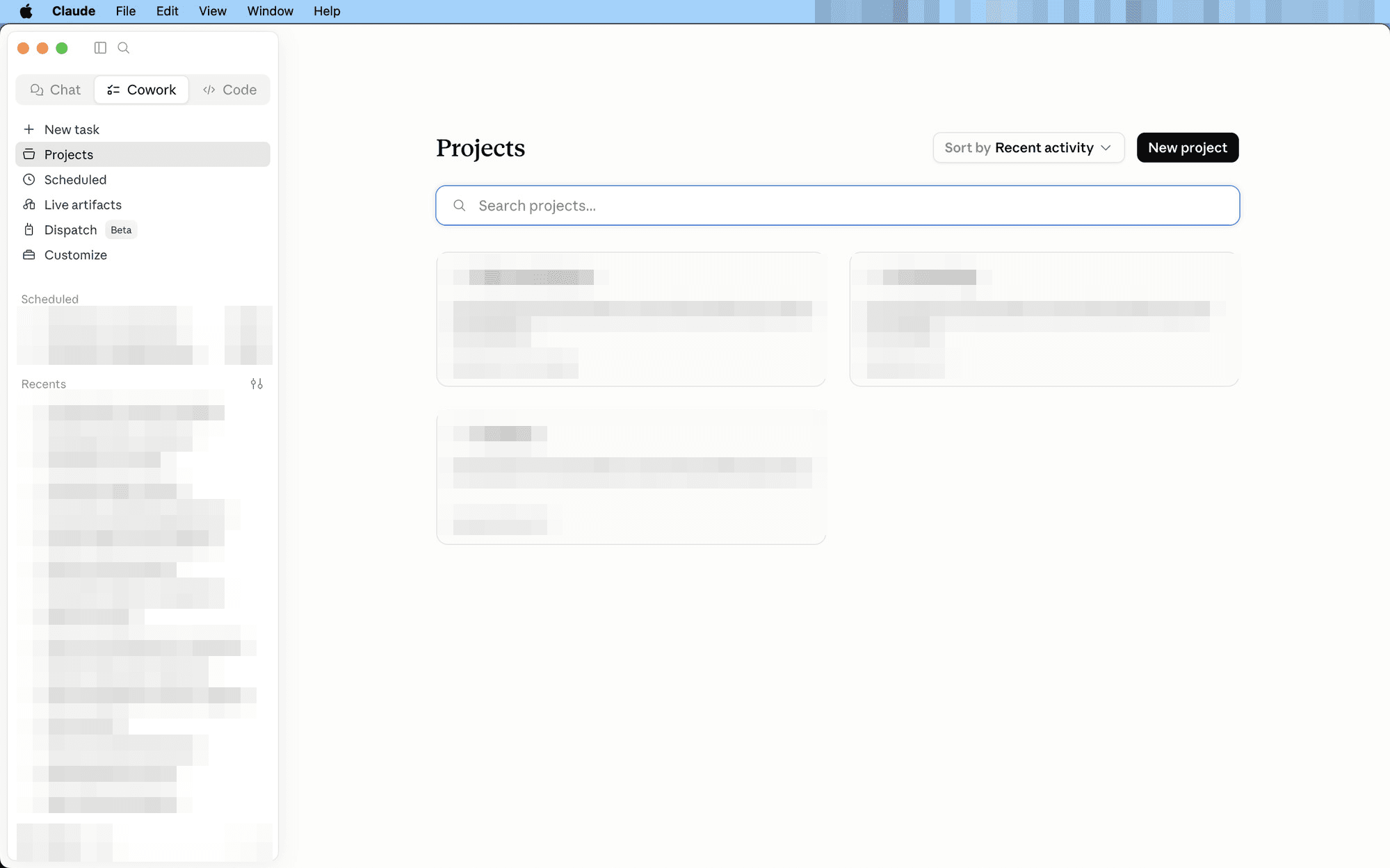
- Create one — Projects → New project. A Project is simply a folder on your computer that Cowork works in.
- Put the files there — exports, notes, contracts. Cowork reads and writes the real files in that folder.
- Start tasks inside it — pick the project in the “Work in a project” selector and every task starts with the background known.
A split that works
One project per area of your life — the company, each big client, personal finances. Open the right one and Claude already knows where everything is.
Pairs naturally with the board-report example: keep each month's export in the project folder and the report builds from where the files already live.
Features · projects